Fan-made cover art · free preview
GTA 6 Cover Art Maker
Put yourself — or your dog — on a fan-made GTA 6 style cover: you as the big central panel, the action painted around you.
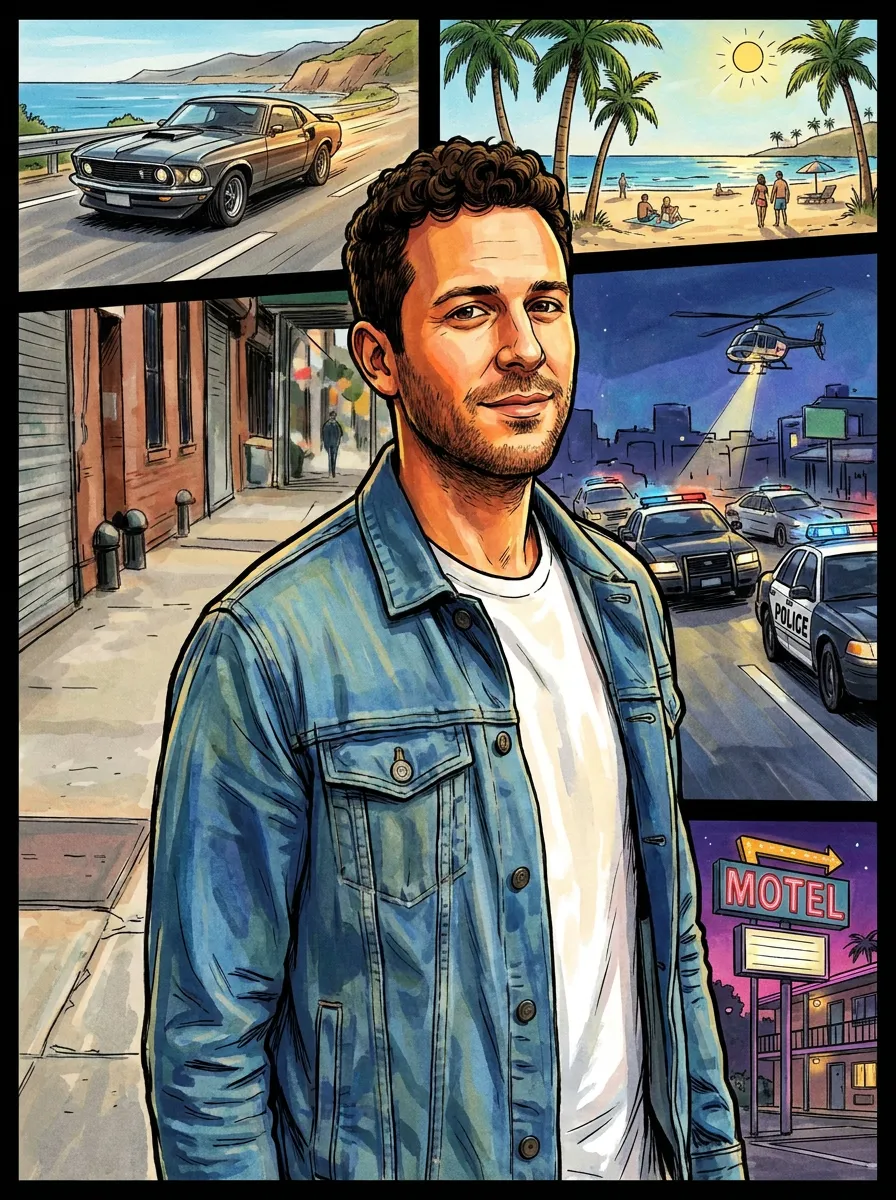
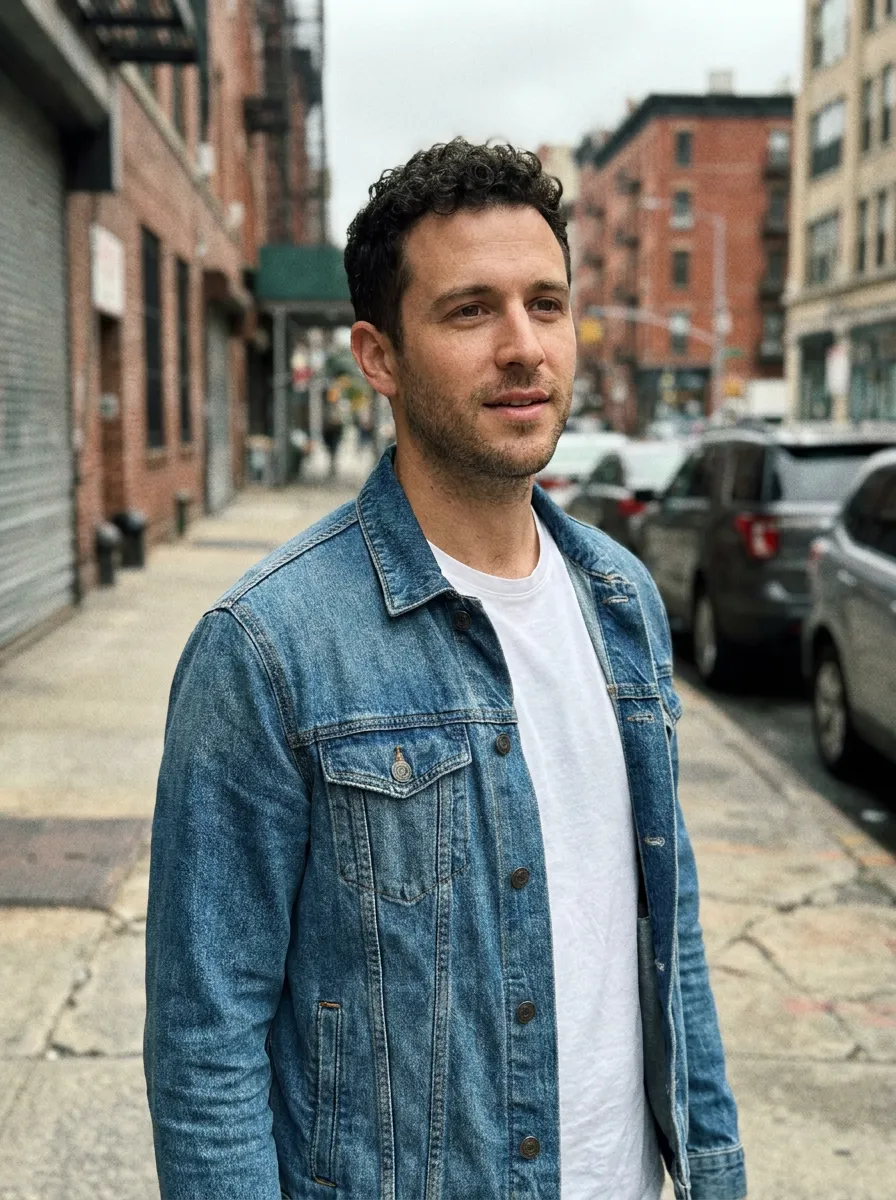 OriginalSample
No sign-up · 1 free preview a day · 10 styles + your own scene
Your photo, cover-style
Real runs of the Cover Art style on an AI-generated sample man and on our own dog.
BeforeAfter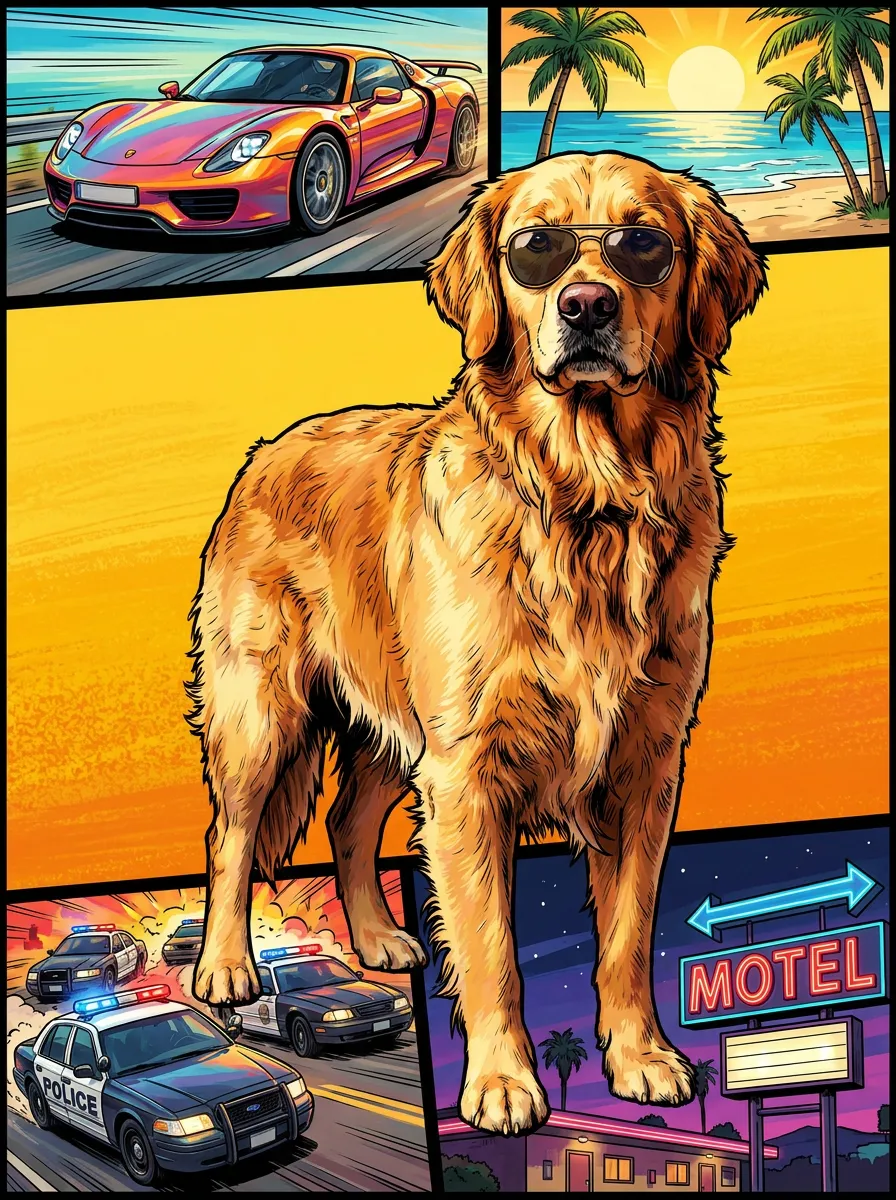
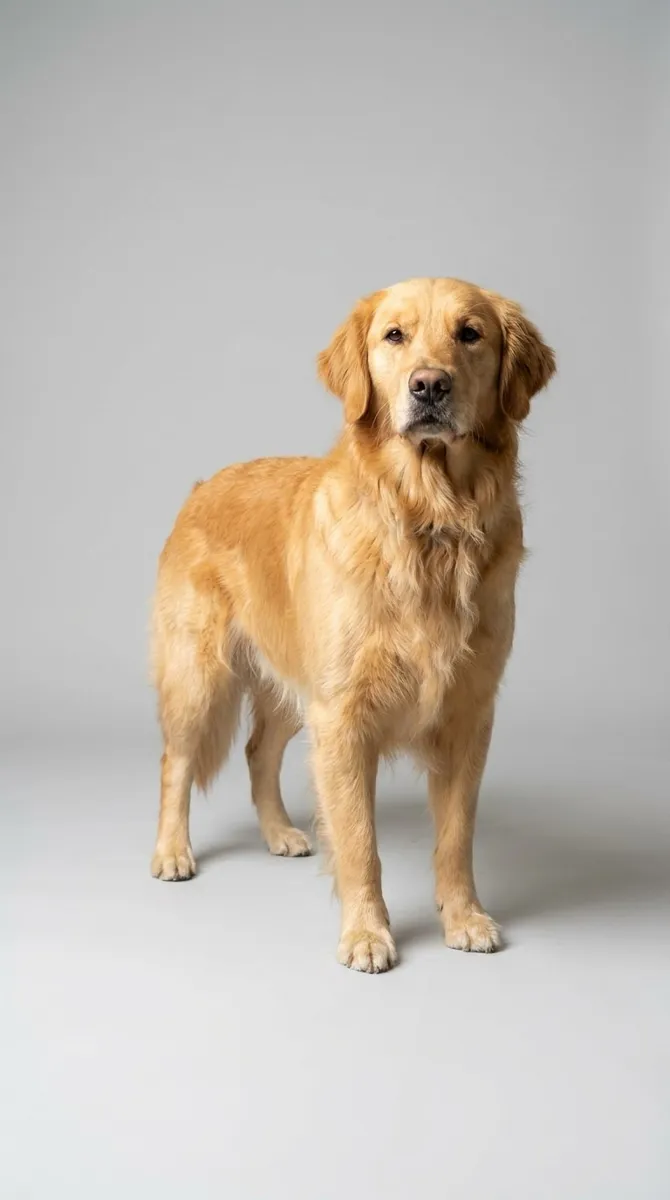 BeforeAfter
How to make your GTA 6 cover art
- 1
Choose a hero shot
You’re the main panel, so pick a photo with attitude: chin up, good light, nothing covering the face.
- 2
Steer the panels (optional)
Tell it what to put around you in the details box — cars, places, a sidekick.
- 3
Preview, then print or post
The free preview takes about 20 seconds; the clean 2K file is $2.99.
Price and specs
| Layout | One large hero panel + several small action panels, thin black gutters |
|---|---|
| File | 3:4 portrait, 2K (≈1536×2048) PNG, no watermark |
| Price | Preview free · HD $2.99 · every style $5.99 — one-time, no credits, no subscription |
| Good for | Posters, phone wallpapers, profile pictures, gift prints |
Cover art ideas
- Birthday poster: a friend (with their OK) as the cover star, printed and framed.
- Couple covers: make one each and hang them side by side.
- Pet-account banner: your dog as the cover star, cropped into a header.
- Gamer profile picture: crop the hero panel for Discord, Steam or PSN.
Tips for a stronger cover
- A confident expression reads better at poster size than a big grin.
- Keep the face well lit; side panels are painted, but your face comes from the photo.
- Busy background in your photo? Fine — it’s replaced by the panels.
What this style won’t do
- No official cover, logo, title, “VI” mark or game font — it’s cover-style, not the cover.
- No exact panel layout on demand; each run arranges the panels a little differently.
- No group covers yet — one person or one pet per photo.
- No children or celebrities; those photos are refused.
GTA 6 cover art FAQ
What is the GTA 6 cover art maker?
A tool that paints your photo as fan-made, cover-style art: you as the big central panel, with smaller painted panels around you — a sports car, a beach, a police chase and a neon motel — split by thin black gutters, the way the series’ box art is laid out.
Is this the official GTA 6 cover?
No. It’s fan-made cover-style art for fun, posters and profile pictures. It doesn’t use the official cover, logo, title or font, and it isn’t affiliated with Rockstar Games or Take-Two.
Can I print it as a poster?
Yes, for personal use. The HD file is a 3:4 portrait at about 1536×2048 px — crisp on a phone and fine for prints up to about A3. For bigger posters, an upscaling app will help.
Can I choose what’s in the side panels?
Partly. Use “Add your own details” to steer it — e.g. “side panels with a yacht, a helicopter and a nightclub”. The model decides the exact layout, so it varies from run to run.
Does cover art work with pets?
Yes. In “My pet” mode your dog or cat is the cover star, looking straight at the viewer in small aviator sunglasses — still a real animal.
How much is it?
Free to preview (one a day, watermarked). $2.99 for the cover in 2K without the watermark, or $5.99 for every style of the same photo.
More GTA 6 styles
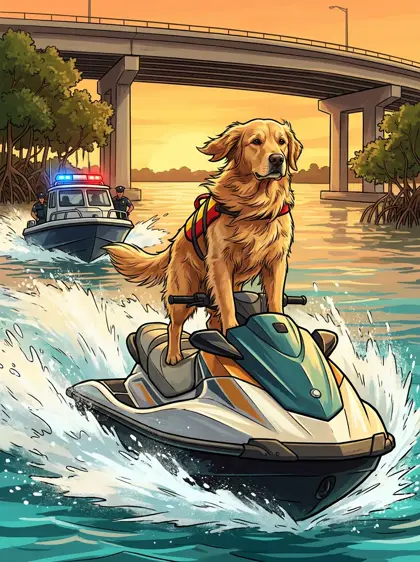 GTA 6 dog filterYour own dog as the jet-ski dog fans love, plus every pet style.
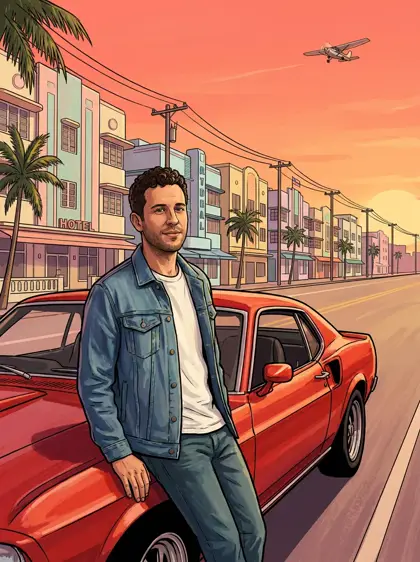 GTA loading screen makerThe painted loading-screen portrait: sunset boulevard, palm trees, a red muscle car.
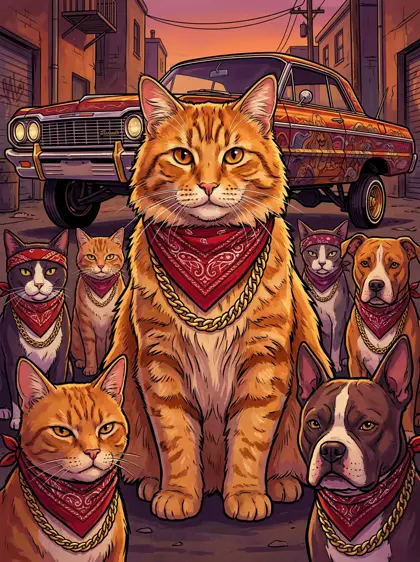 GTA 6 pet filterDogs and cats in every style, plus two pet-only ones.
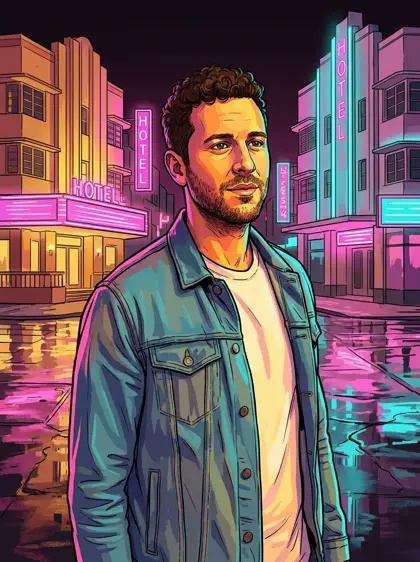 All 10 stylesThe GTA 6 filter for people: free preview, no sign-up.