Loading-screen portrait · free preview
GTA Loading Screen Maker
Your photo as a painted GTA 6 style loading screen: golden-hour boulevard, art-deco hotels, a red muscle car and you in the middle of it.
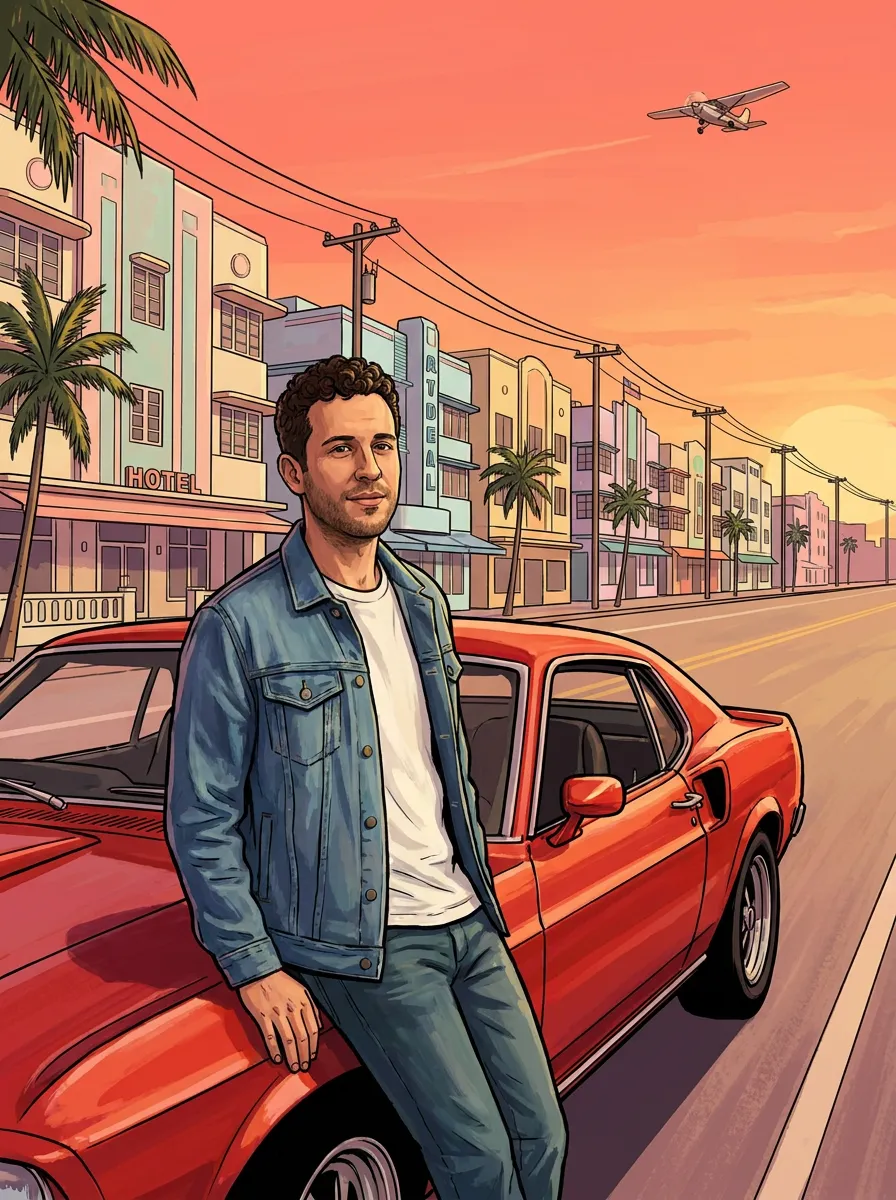
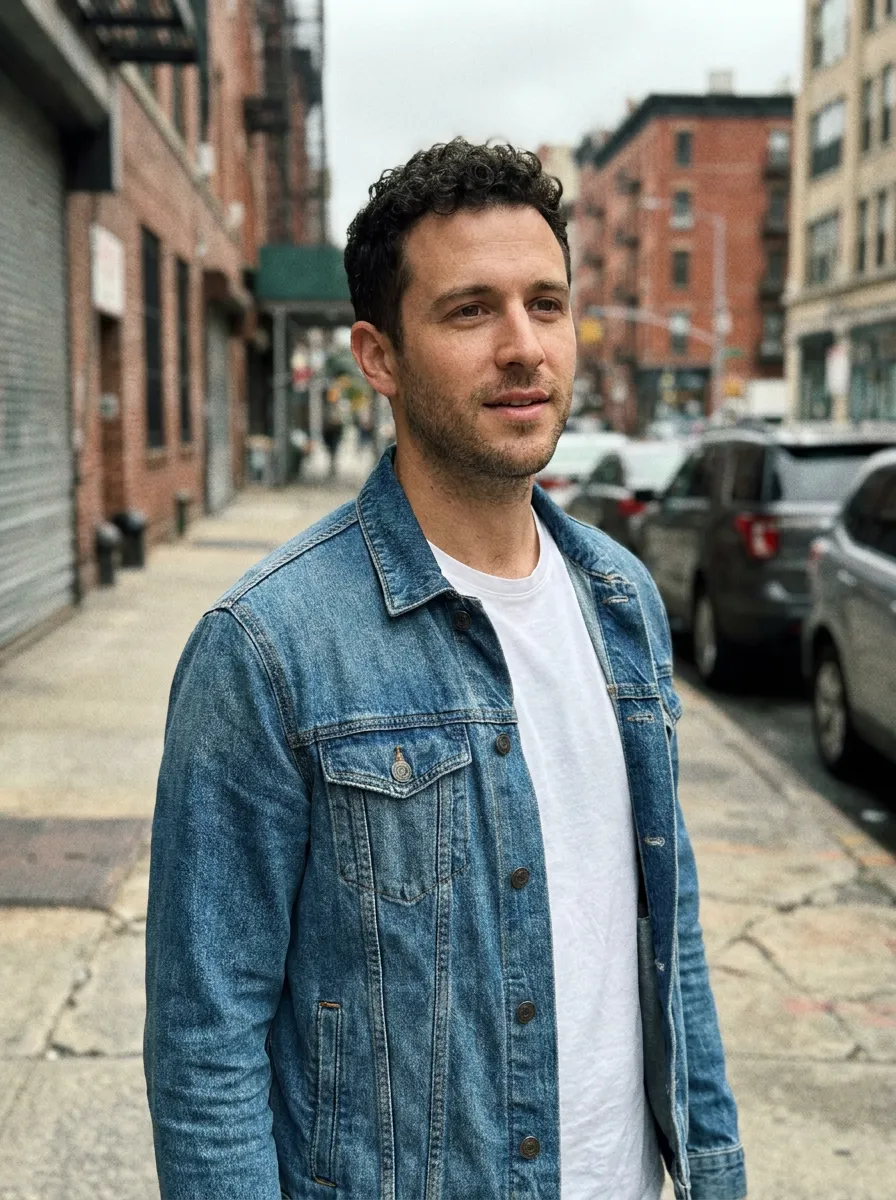 OriginalSample
No sign-up · 1 free preview a day · 10 styles + your own scene
Before → loading screen
Two real runs of this style: an AI-generated sample man and our own dog. Drag to compare.
BeforeAfter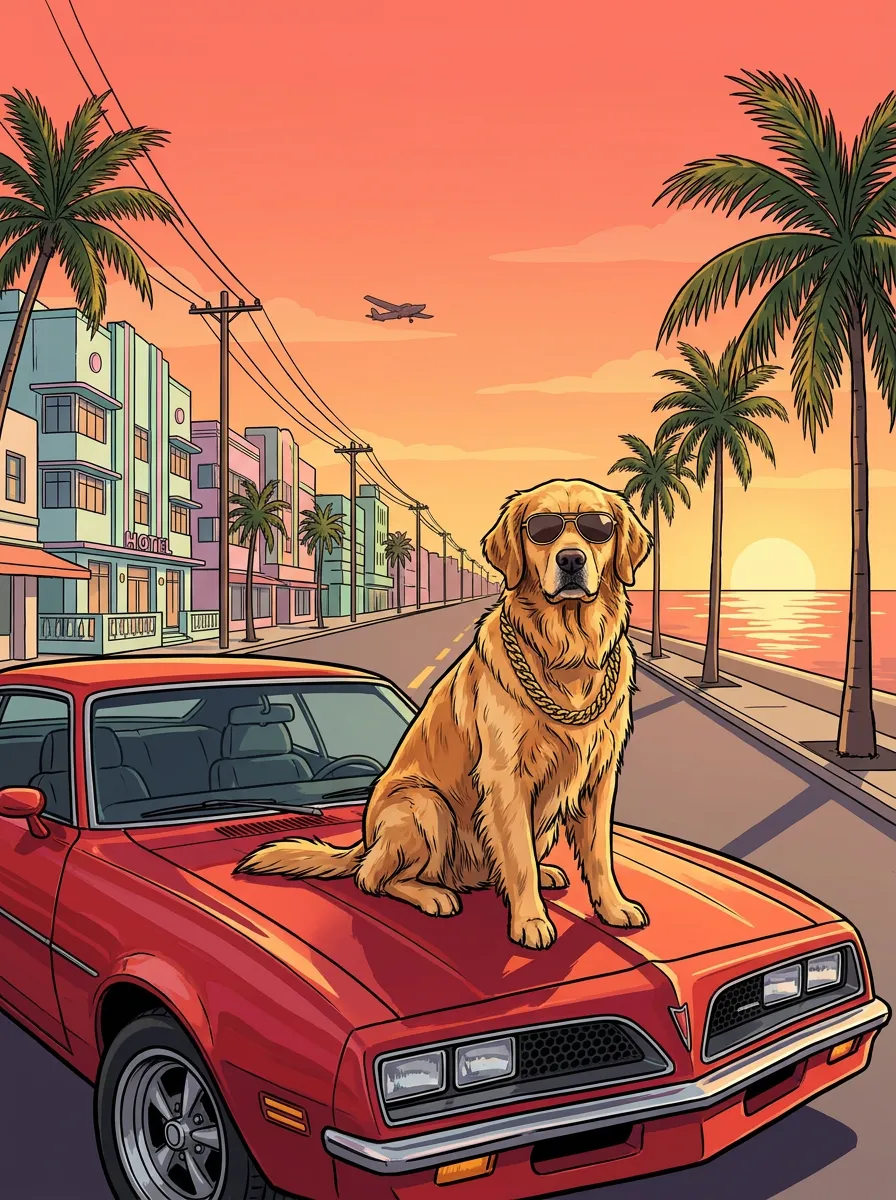
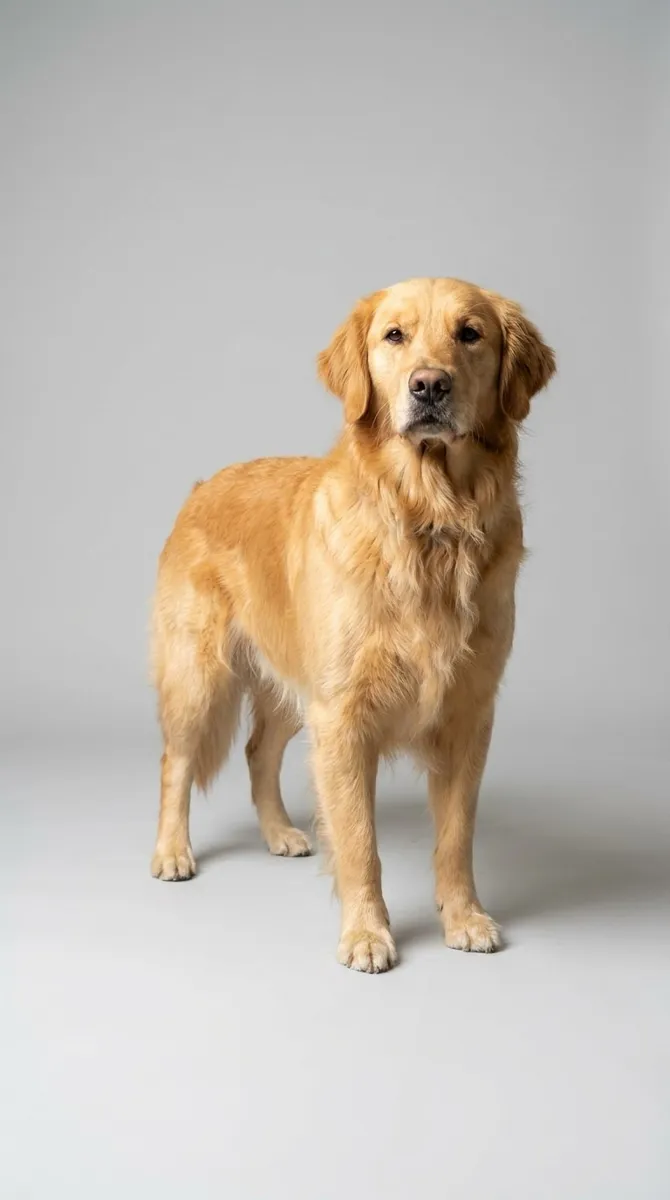 BeforeAfter
How to make a GTA loading screen
- 1
Upload a waist-up photo
The loading-screen pose is waist-up and confident, so a photo with your shoulders in frame works best.
- 2
Apply the filter
“Loading Screen” is already selected. The free preview takes about 20 seconds.
- 3
Download in 2K
Unlock the clean file, or take every style of the same photo as a pack.
Price and specs
| Free preview | 768×1024, watermarked, 1 a day, about 20 s |
|---|---|
| HD image | $2.99 — this style, 2K (≈1536×2048) PNG, no watermark |
| Style pack | $5.99 — every style of the same photo in 2K (10 for people, 12 for pets) |
| Format | 3:4 portrait, ready for a profile picture, phone wallpaper or print |
| Payment | Once, at checkout — no credits, no subscription, no account. Refunded automatically if the images fail. |
Loading-screen ideas
- Squad series: run each friend separately (with their OK) and post them as a set of “loading screens”.
- Change the ride: “leaning on a purple Lamborghini” or “on a chopper motorcycle” in the details box.
- Pet cameo: switch to “My pet” for the hood-ornament version with sunglasses.
- Countdown posts: one style a day until release — the style pack covers all ten.
Tips for a better loading screen
- Face the camera or turn slightly; a clear, front-lit face keeps the likeness.
- Take off sunglasses and big hats — they hide what makes you recognisable.
- Plain backgrounds are fine: the boulevard is painted in for you.
What this style won’t do
- It won’t add the official game logo, title or font — that’s deliberate.
- It won’t paint children or celebrities; those photos are refused.
- It won’t keep two people in one frame — one subject per photo.
- It won’t make an exact copy of a real game screen; it’s an illustration in that spirit.
GTA loading screen FAQ
What is a GTA loading screen?
The full-screen painted artwork the GTA games show while a level loads: one character, bold black outlines, cel shading, saturated sunset colours and a city behind them. This maker paints your own photo in that style — a fan-made look, not official artwork.
How do I make a GTA 6 loading screen of myself?
Upload one clear photo above, keep “Loading Screen” selected and tap Apply. The free, watermarked preview is ready in about 20 seconds; the 2K version without the watermark is $2.99.
What size is the file?
A 3:4 portrait at 2K (about 1536×2048 px), PNG. That’s sharp as a phone wallpaper, a profile picture or a print up to about A4–A3.
Can I change the outfit, the car or the background?
Yes — open “Add your own details” and write it in plain words, e.g. “wearing a pink suit, purple Lamborghini”. Your face stays recognisable. For a completely different setting, use the Custom scene card.
Does it work with my pet?
Yes. Switch to “My pet”: your dog or cat sits on the car’s hood with small aviator sunglasses and a gold chain, still a real animal with paws.
Is this the official GTA 6 loading screen?
No. It’s an AI illustration in a similar spirit, made by an independent fan tool. No Rockstar logos, fonts or screenshots are used, and it isn’t affiliated with Rockstar Games or Take-Two.
More GTA 6 styles
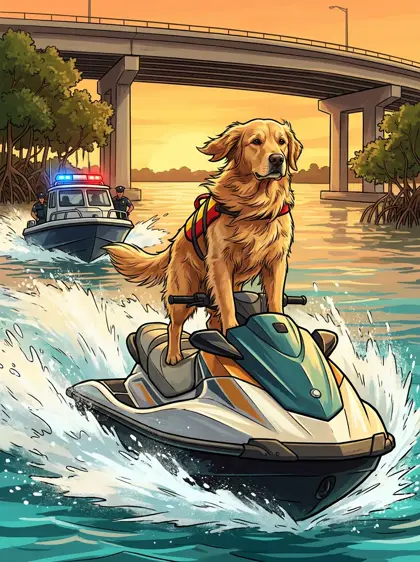 GTA 6 dog filterYour own dog as the jet-ski dog fans love, plus every pet style.
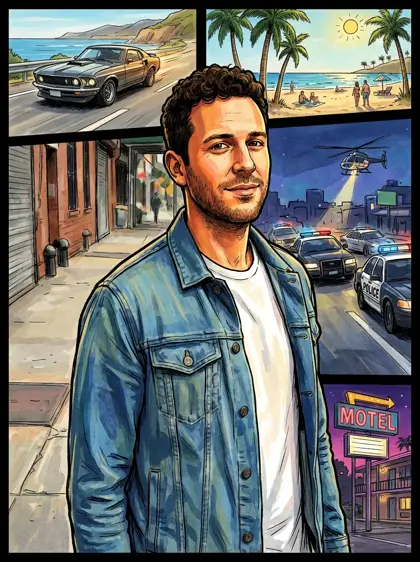 GTA 6 cover art makerFan-made multi-panel cover-style art with you (or your pet) as the star.
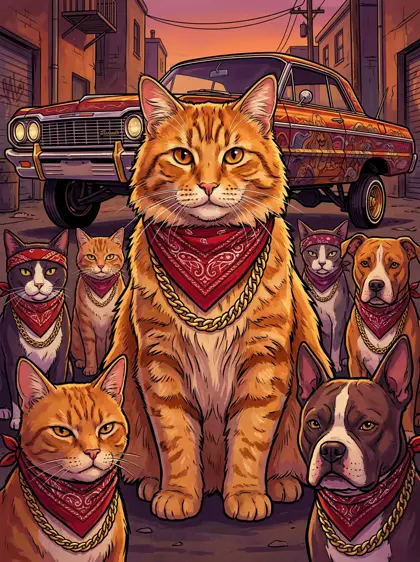 GTA 6 pet filterDogs and cats in every style, plus two pet-only ones.
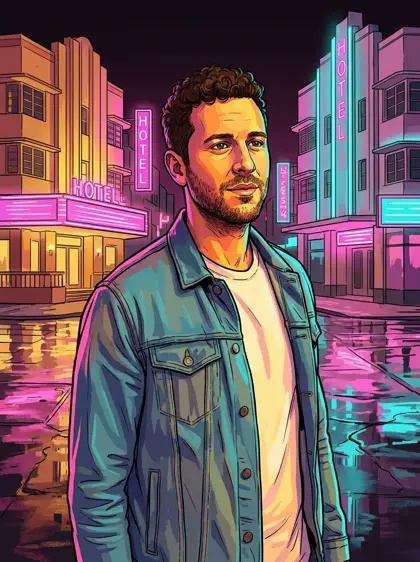 All 10 stylesThe GTA 6 filter for people: free preview, no sign-up.